 Anti Tear
One plan, free to try
Try Anti Tear free for 3 days, no card needed. Then it’s $5 a month, and you can cancel any time.
Anti Tear
- Free for 3 days, no card needed
- Every feature and every update
- One PC at a time, and you can move it whenever you like
- Cancel any time
Sign in with Discord in the app. Payments go through Stripe.
How the free trial works
It starts when you sign in
Sign in with Discord in the app and your 3 days begin. No card, so there’s nothing to cancel.
One per account, one per PC
Each Discord account gets one trial, and so does each PC. A PC that has had one asks for a subscription, whichever account signs in.
When it ends
Nothing is charged. Anti Tear still opens, but it won’t start projecting until you subscribe.
One PC at a time
Your licence belongs to your Discord account and works on one PC at a time.
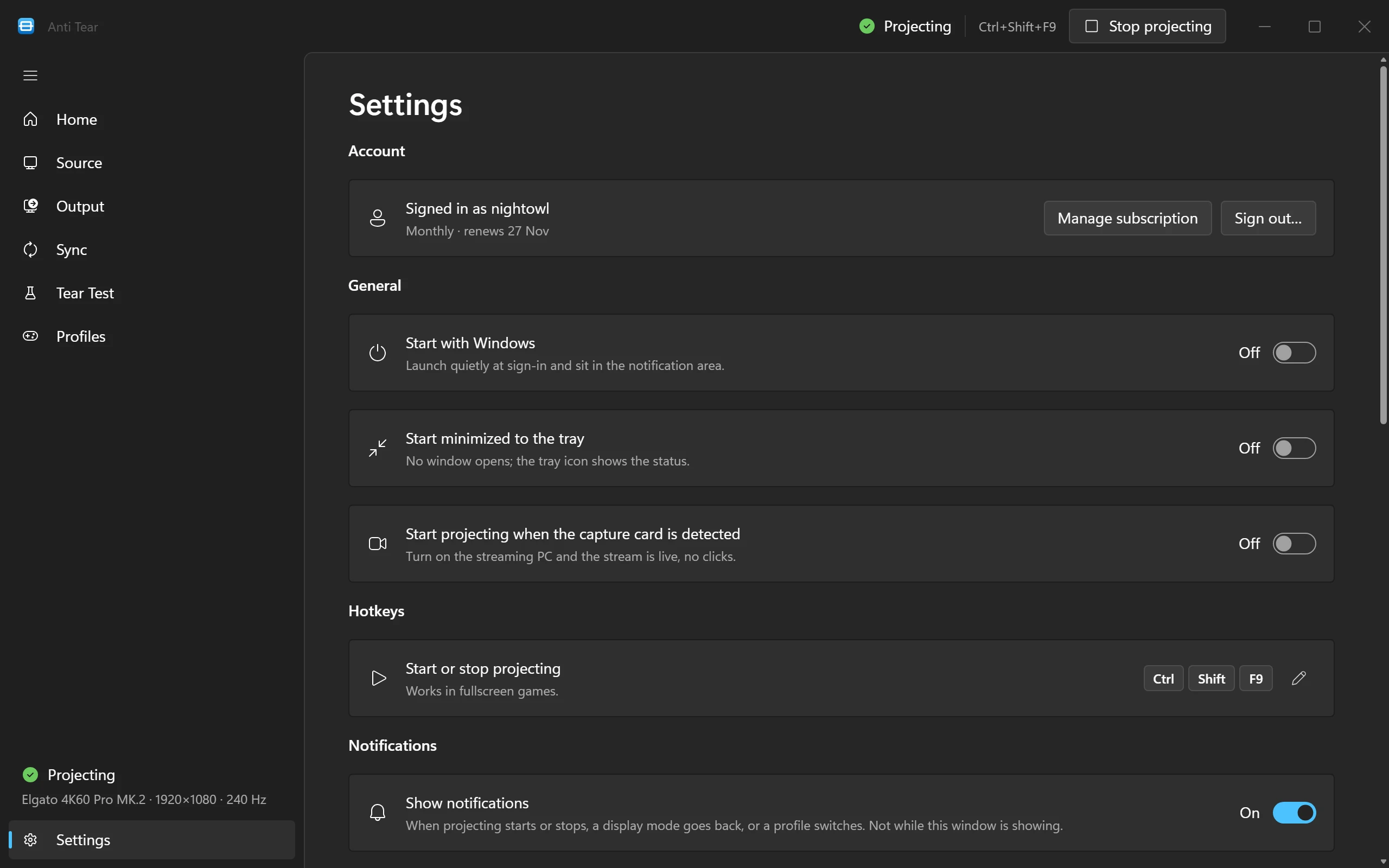
To move it, sign in on the other PC. Anti Tear asks whether to move your licence there, and the first PC can’t start projecting after that. Signing out in Settings › Account gives the licence up too.
Got a new PC, or reinstalled Windows? Sign in with the same Discord account and move your licence there.
Billing
Payments go through Stripe. You pay on Stripe’s checkout page.
Subscribing
In Anti Tear, select Subscribe for $5/month. Stripe Checkout opens in your browser; once you’ve paid, go back to the app and select I’ve subscribed. It renews every month until you cancel.
On your statement
Charges show on your card statement as YUSATWEAKS.COM. That’s Anti Tear.
The billing page
Settings › Account › Manage subscription opens Stripe’s billing page, where you update your email, address and payment method, see your invoices, or cancel.
Cancelling
Cancel on the billing page whenever you like. Anti Tear keeps working to the end of the period you’ve paid for, and you aren’t charged again.
If a payment fails
Anti Tear keeps working for 2 days while Stripe retries the payment. Home and Settings › Account tell you, with the date to update your card by.
When a subscription ends
Anti Tear still opens, but it won’t start projecting until you subscribe again.
Billing questions
Questions about a charge?
Email support@yusatweaks.com, or see Support and the refund policy.